PayFlow365 — The World’s Fastest Way to Send an Invoice or Bid
Limited time: Your first month is free with code FIRSTMONTHFREE · Expires Aug 31, 2026
Questions? Call or text 563-412-4772
SMS-First Invoicing

Send an invoice or bid.
Before you leave
the job site.

The longer you wait to invoice, the longer you wait to get paid. PayFlow365 turns a text message into a professional invoice in less time than it takes your customer to write a check — so your customer gets it the same day the work is done.

Get Started
No app to download
Works on any phone
First month free
Cancel anytime

Text to invoice.
That’s the whole product.

More than half of all small business invoices in the US are overdue. Late payments stop nearly 9 in 10 small businesses from growing. For field-based operators, it’s almost always the same root cause — no simple way to bill on the spot. PayFlow365 fixes that.
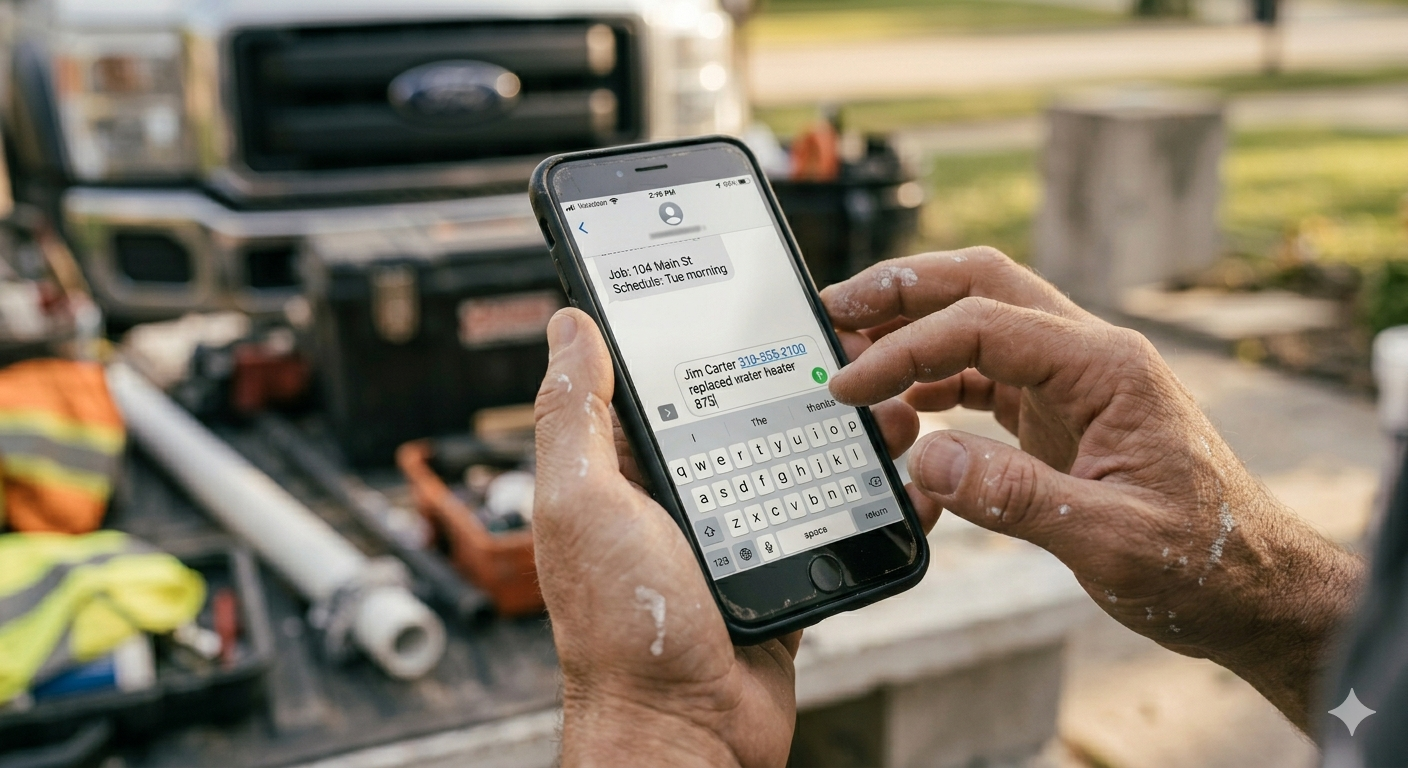
Tradesperson texting an invoice from the job site
1

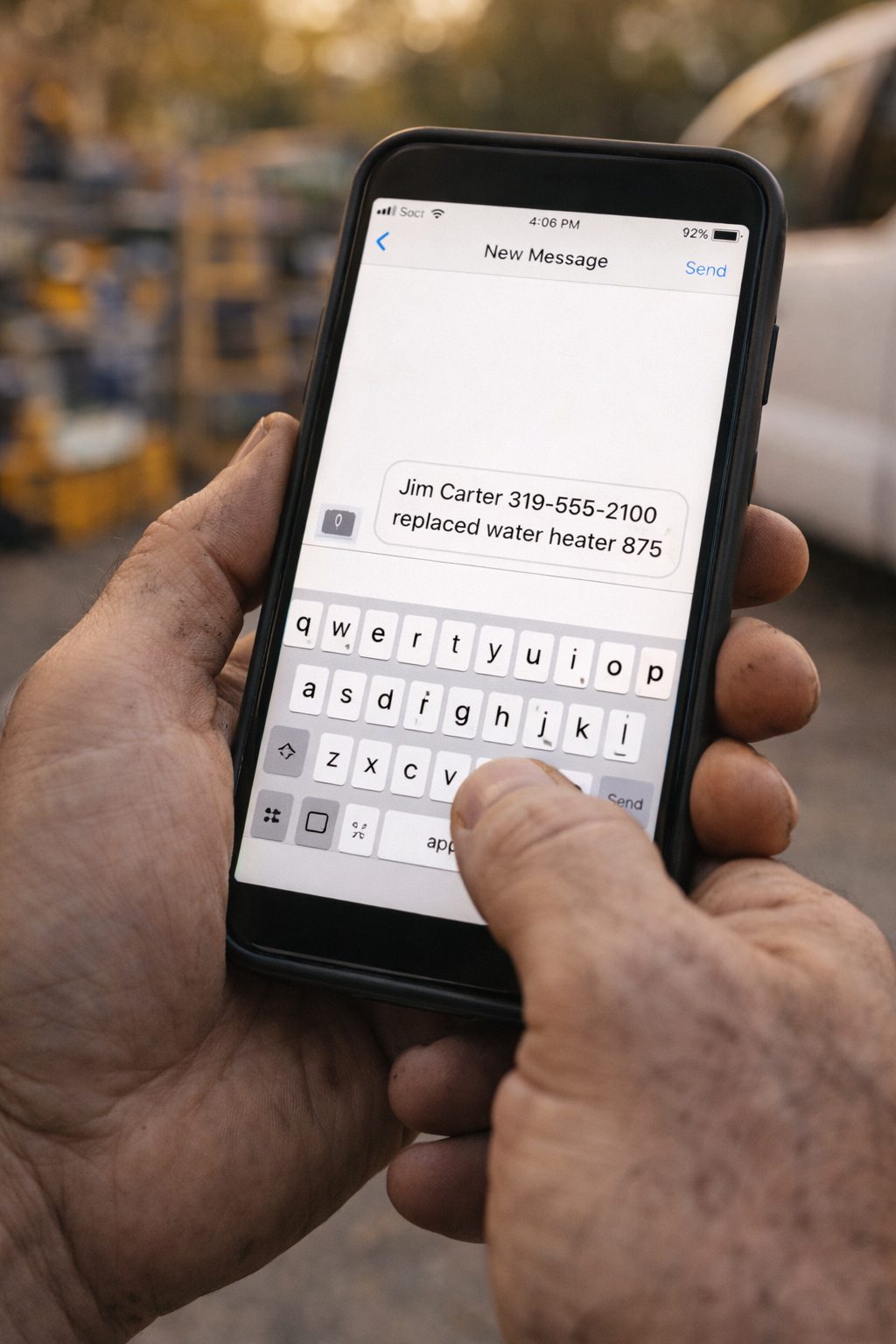
Text Your Job

Send a quick text describing the work, customer name, and amount. That’s it. Voice-to-text works perfectly.
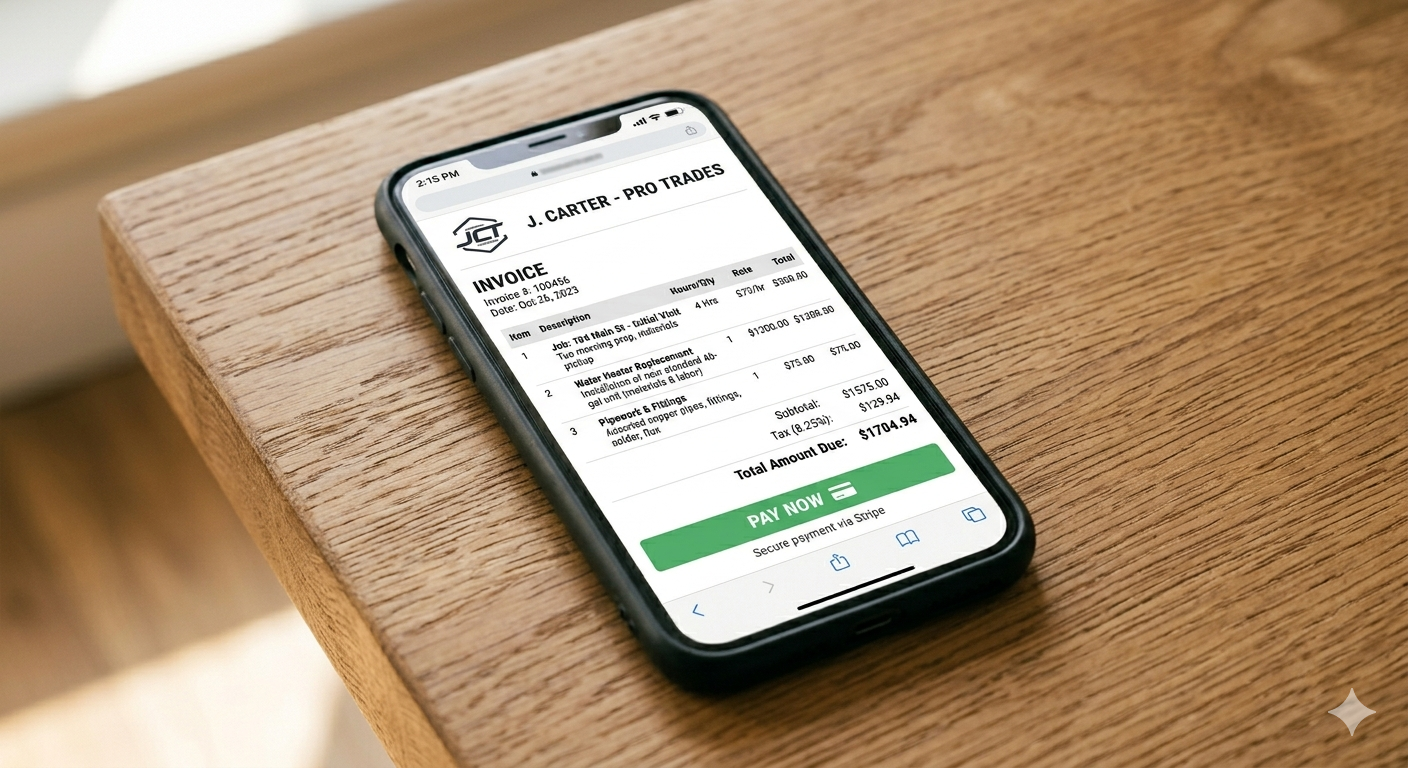
Professional invoice generated on phone
2

Invoice Generated

PayFlow365 instantly creates a professional, branded PDF invoice. Review it and reply YES to send.
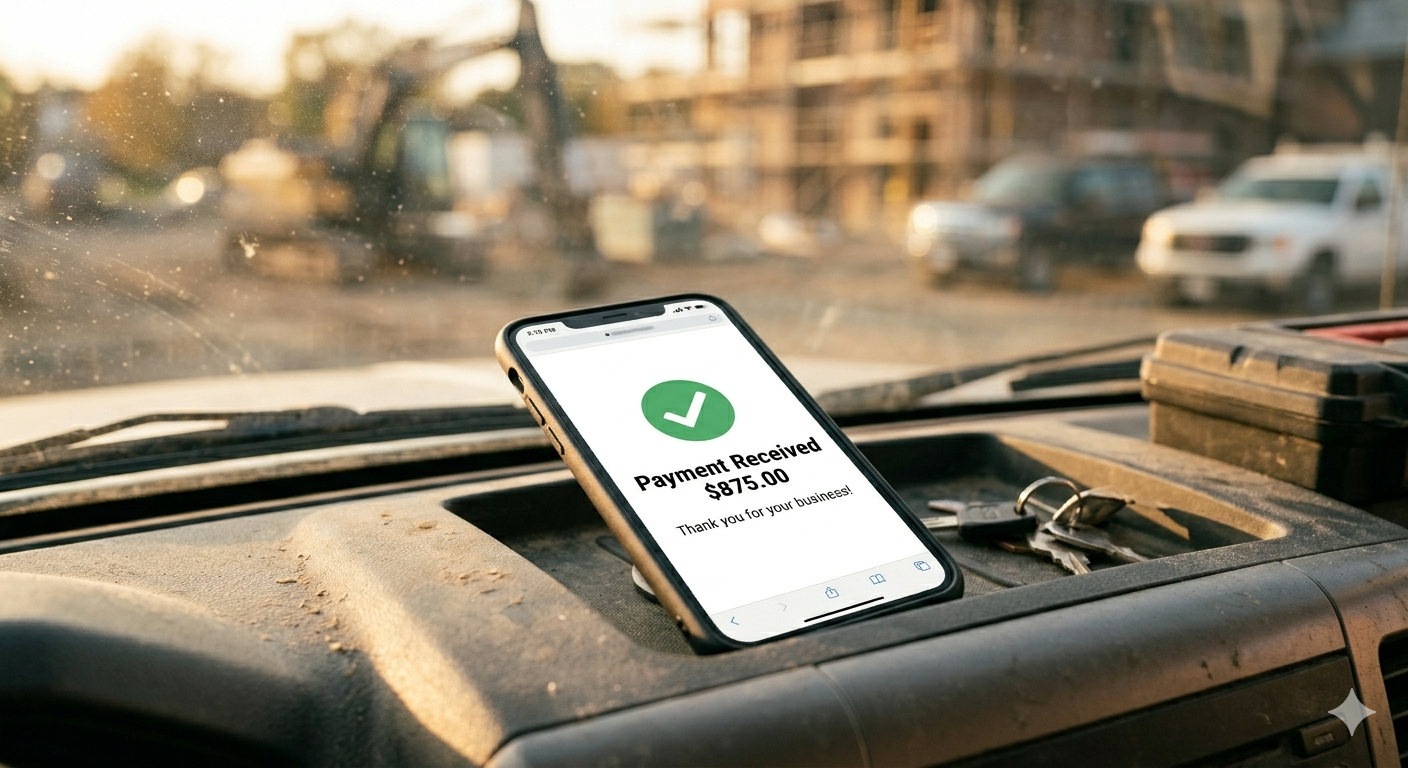
Payment received notification on truck dashboard
3

Get Paid

Your customer receives a professional invoice by email or text with a Pay Now link. You get paid faster.

Sending a bid? Same speed.

Add the word “bid” to your text and PayFlow365 formats it as a professional bid — same three minutes, same clean result.

Most customers pay the same day when they get an invoice the same day.
We built PayFlow365 to get you paid.

Bad cash flow doesn’t come from bad customers — it comes from invoices that go out late, get forgotten, or never get sent at all. PayFlow365 removes every excuse not to invoice immediately.

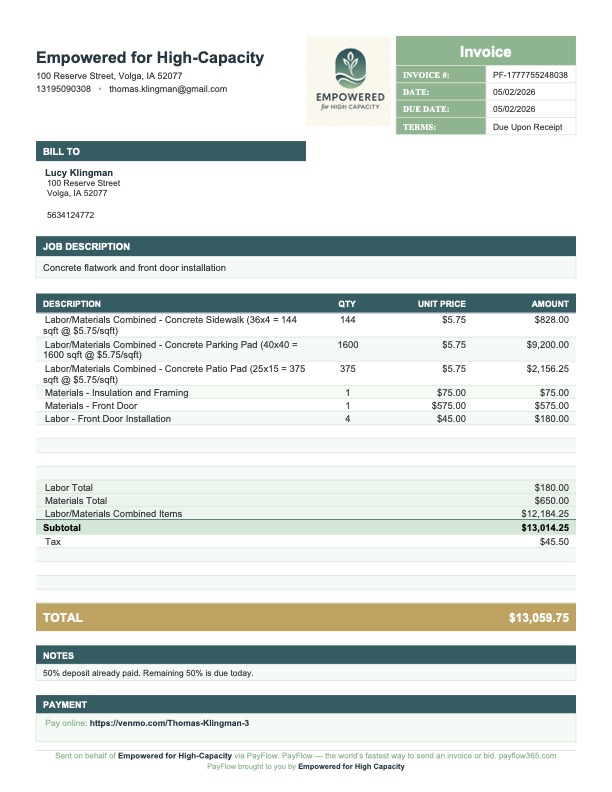
This is what your customer receives.

A branded, professional PDF invoice — with your business name, itemized line items, tax, and a Pay Now link. Delivered in seconds from a text message.

  • Branded with your business name and contact info
  • Itemized line items with qty and unit price
  • Tax calculated automatically
  • Pay Now link via Venmo, Stripe, or cash/check
  • Formatted for standard #10 window envelopes
  • Works for invoices and bids
PayFlow365 professional invoice example
Actual PayFlow365 Invoice
Tradesperson texting invoice at truck tailgate

The first invoicing tool built for people who work with their hands.

Every other invoicing app was designed for someone sitting at a desk. PayFlow365 was designed for someone standing at a job site.

📱

Any Phone

No smartphone required. If you can text, you can invoice.

Faster Than a Check

Text to invoice in less time than your customer takes to write you one.

🏗️

Built for Trades

Plumbers, electricians, HVAC, landscapers, painters, and more.

🌙

Get Paid While You Sleep

Invoice before you leave. Collect payment on your couch.

Built for every trade.

Plumbers Electricians HVAC Technicians Landscapers Handymen Painters Cleaning Services Mobile Mechanics Roofers Contractors Carpenters Window & Door Concrete & Masonry Flooring Trade Show & Event Hosts Hunting & Fishing Clubs Trap & Shooting Clubs Youth Sports Leagues Church & Volunteer Groups Anyone Who Splits Costs

Straight answers.

Do I need a smartphone or data plan?
No. PayFlow365 works with any phone that can send a text message. Basic flip phones, older Android devices, any carrier — if you can text, you can use PayFlow365.
How does my customer receive the invoice?
You can send by email, text, or both. Your customer receives a professional branded PDF with a Pay Now link. If they prefer cash or check, we show that on the invoice instead.
Does PayFlow365 notify me when I get paid?
PayFlow365 sends your invoice and connects you to your payment platform — Venmo, Stripe, or your preferred method. Payment notifications come directly from whichever platform your customer uses to pay you. PayFlow365 gets you invoiced. Your payment platform gets you notified.
Can I send bids and estimates too?
Yes. Just include the word “bid” or “estimate” in your text and PayFlow365 formats it as a bid automatically — with Complete By date instead of Due Date, and the right language throughout.
What if I make a mistake in my text?
PayFlow365 shows you the invoice for approval before sending. Reply YES to send, EDIT to make changes, or DISCARD to cancel. EDIT sends back your original text so you can copy it, make your changes, and resend. Nothing goes to your customer until you approve it.
Can I add my logo?
Yes. Upload your logo in the My Account portal at payflow365.com and it appears on every invoice and bid you send going forward. Until you upload one, the logo space stays blank — no placeholder, no PayFlow branding.
Do I have to accept credit cards?
Not at all. PayFlow365 works for cash, check, Venmo, Stripe — or any combination. Just tell us how you collect payment when you set up your account and we’ll display that on your invoice. Not set up for credit cards yet? PayFlow Academy has a simple guide to get you started — accepting cards is one of the fastest ways to get paid faster.
What does $29/month include?
Everything. Unlimited invoices and bids, PDF generation, email and SMS delivery, tax calculation, itemized line items, payment link integration, and My Account portal access. One flat rate, no per-invoice fees.

One plan. Everything included.

No tiers. No per-invoice fees. No surprises.

PayFlow365
$29
per month, per business
First month free
Use code FIRSTMONTHFREE at checkout
  • Unlimited invoices and bids
  • Professional branded PDF generation
  • Email and SMS delivery
  • Itemized line items with qty & unit price
  • Tax calculation
  • Cash, check, Venmo, Stripe — your choice
  • Payment link integration
  • My Account portal
  • Logo upload
  • Additional users — $15/mo each
  • Works on any phone — no app required
  • Physical mail delivery — available via EHC Outsourced Admin Services
Get Started Today
No setup fees  ·  Cancel anytime  ·  Offer expires Aug 31, 2026

Your customer is still standing there.
Invoice them.

Send your first invoice before your customer can write a check. No app. No setup. Just text.

Get Started — First Month Free
Use code FIRSTMONTHFREE at checkout
Scroll to Top